
Welcome to Ex-Online
Ex-Online is a platform for managing hazardous area inspection projects. It has two parts:
- Tag Browser — the web application at cloud.ex-online.com where you manage projects, equipment, documents, and inspections.
- Inspection App — a free companion app (listed as Ex-Online 7 in the app stores) for completing inspections offline and transferring results back.
Signing In to Tag Browser
Section titled “Signing In to Tag Browser”Click the invite link in your email to create your username and password.
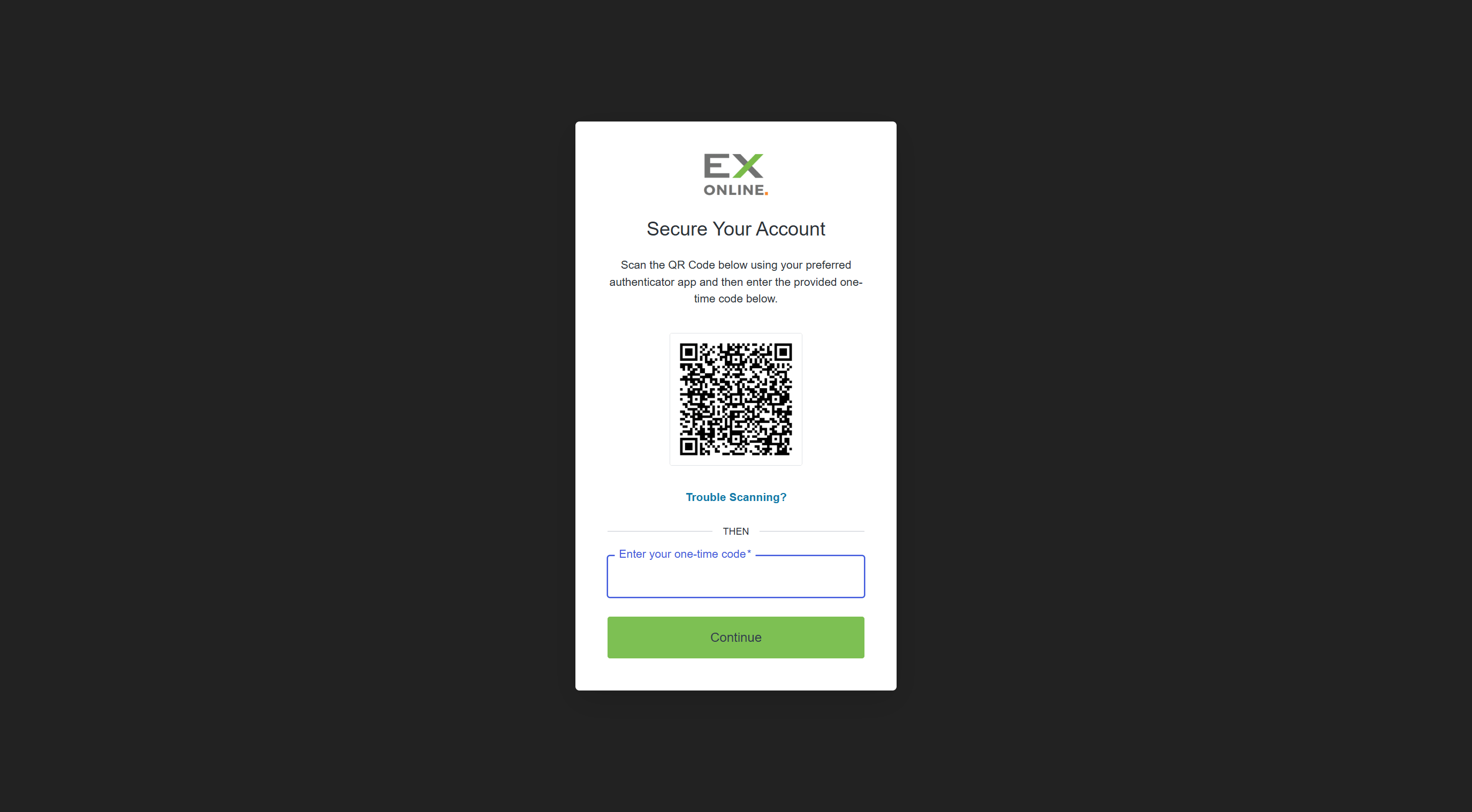
The first time you sign in, you’ll be asked to set up Multi-Factor Authentication (MFA). Have an authenticator app ready on your phone (e.g. Google Authenticator, Microsoft Authenticator), then:
-
Sign in with the credentials you just created.
-
Scan the QR code shown on screen with your authenticator app.
-
Enter the one-time code from the app and submit.
On future sign-ins, enter your password and the current one-time code from your authenticator app. Check Remember this device for 30 days to skip the code on that browser for a while.
For full details, see the Multi-Factor Authentication reference.
Next Steps
Section titled “Next Steps”Now that you’re signed in, take the Dashboard Intro — a visual tour of the Accounts Page and the Project Dashboard.