
Welcome to Ex-Online
Ex-Online is a platform for managing hazardous area inspection projects. It has two parts:
- Tag Browser — the web application at cloud.ex-online.com where you manage projects, equipment, documents, and inspections.
- Inspection App — for completing inspections and transferring results back to Tag Browser.
You can download the Inspection App for Windows, Android, or iOS.
Familiar with Ex-Online Classic? See what’s changed in Tag Browser.
Sign up
Section titled “Sign up”To sign up, you’ll need an invitation from an account Owner or Manager. Have an authenticator app, such as Google Authenticator or Microsoft Authenticator, ready on your phone.
Follow stages 1–4 to create your account and sign in.
Stage 1 of 4
Accept your invitation
- Open your Ex-Online invitation email
- Select
- Confirm your email, set a username and password, and accept the Terms of Use
The invitation link expires after 30 days. If it has expired, ask an account Owner or Manager for a new invitation.
Stage 2 of 4
Sign in
- Open cloud.ex-online.com
- Sign in with the username and password you created
Set up MFA on your first sign-in. For later sign-ins, enter the code from your authenticator app.
Stage 3 of 4
Set up MFA
Multi-factor authentication (MFA) uses a code from your phone to verify your sign-in.
- Open your authenticator app on your phone
- Scan the QR code shown on your Ex-Online MFA setup screen
- Enter the one-time code from your authenticator to complete enrolment
To set up without scanning, select Trouble Scanning? on the Ex-Online screen. Enter the displayed setup code in your authenticator app.
Stage 4 of 4
Successful login
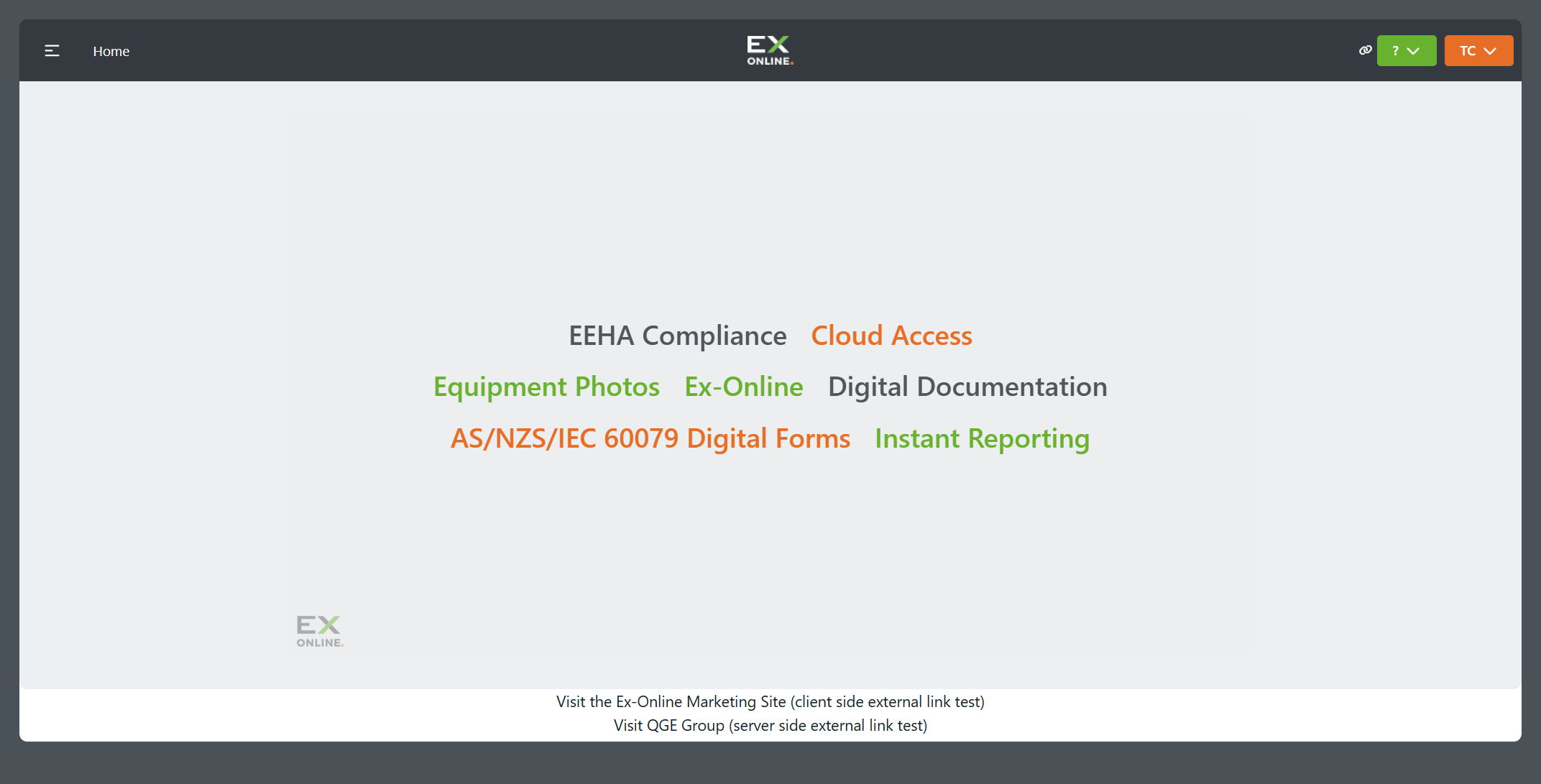
When you reach Home, you are signed in successfully.
Need help?
Missing or expired invitation
Ask an account Owner or Manager for a new invitation.
Lost access to your authenticator
Contact support to reset MFA. After the reset, your next sign-in lets you register a new authenticator.
Next step
Section titled “Next step”We recommend following Your first inspection, a guided walkthrough of opening a project, preparing a work pack, completing inspections, and uploading your results.