
Your First Inspection
You’ll prepare a work pack in Tag Browser, complete check sheets in the Inspection App, then upload and review the results.
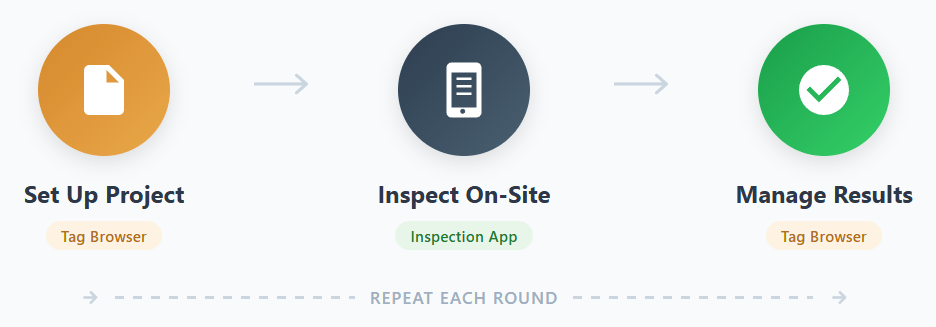
Follow the three parts in order:
- Prepare an Inspection Work Pack — open a project, select equipment, and download an IWP
- Complete the Inspection — load the work pack in the Inspection App and fill in the Inspection Check Sheets
- Upload Results — send completed inspections back to the Tag Browser and review the updated records